


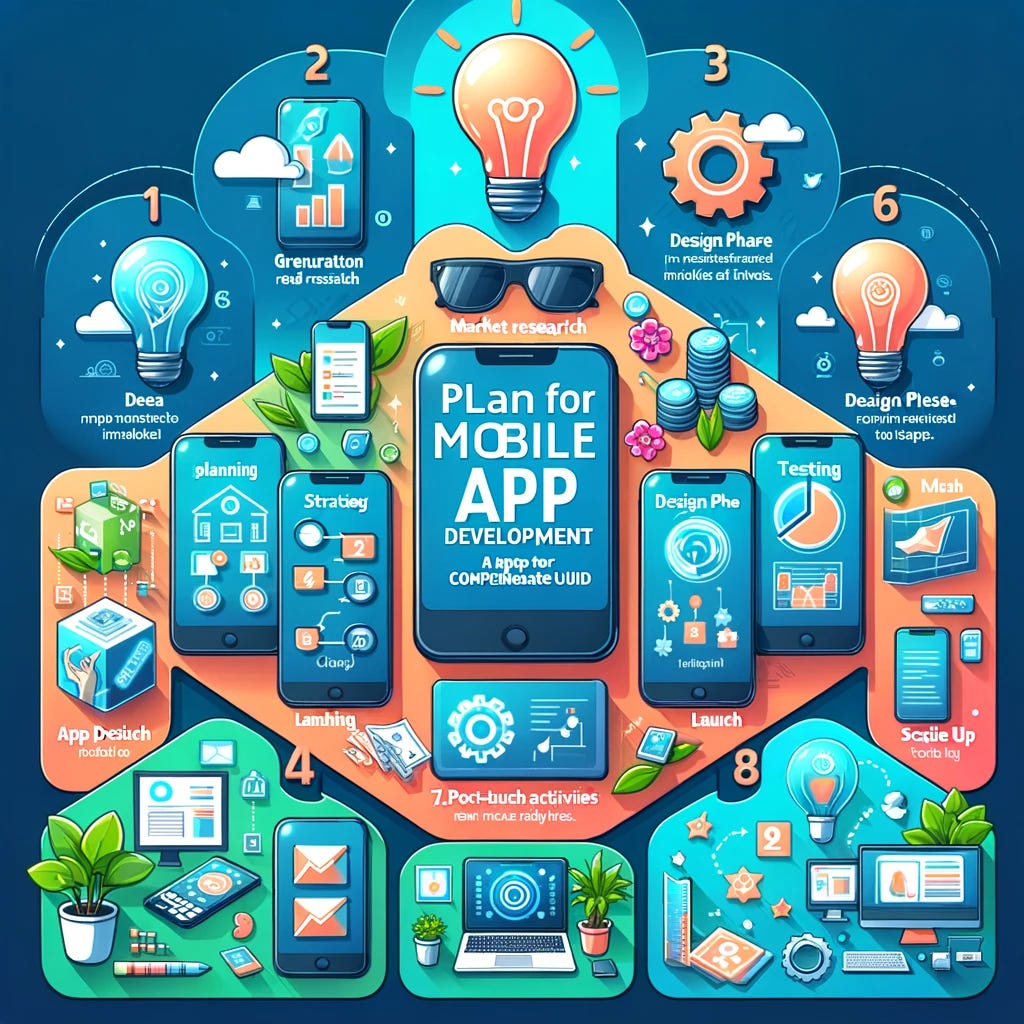
A successful mobile app rarely happens by accident. Behind a reliable, useful, and scalable application is a structured project plan that connects business objectives, user needs, technology, design, development, testing, and launch activities. Current mobile development practices emphasize defining the product scope, validating the most important assumptions, selecting an appropriate technology approach, testing across devices, and preparing for post-launch improvement.
Whether the app is being created for a startup, established company, or small business, careful planning can reduce unnecessary costs, prevent scope creep, and give the development team a clear direction.
Table of Contents
ToggleStart With a Clear Business Objective
The first step is to determine why the application is being developed. A project should have a specific business purpose rather than simply the goal of “having a mobile app.”
Ask what problem the application will solve, who will use it, and what business result it should produce. Depending on the project, the objective might be increasing sales, improving customer service, simplifying internal operations, creating a subscription service, or providing a new digital product.
Clear objectives help guide later decisions about features, design, technology, budget, and performance.
Identify the Target Users
Understanding the intended users is one of the most important parts of app planning. Different audiences have different expectations, technical abilities, preferences, and problems.
Create basic user profiles and identify what users are trying to accomplish with the application. Consider their common behaviors, frustrations, preferred devices, and reasons for downloading the app.
User research can also help determine which features deserve priority. Instead of developing features based only on assumptions, the team can focus on functionality that addresses genuine user needs.
Define the Core Problem and Value Proposition
A strong app should offer a clear reason for users to download and continue using it. Define the central problem and explain how the application provides a better or more convenient solution.
This value proposition should remain visible throughout the project. When new feature requests appear, the team can ask whether those features support the primary purpose of the application.
This approach helps prevent the project from becoming overloaded with unnecessary functionality.
Create an MVP Before Planning Every Feature
A minimum viable product, or MVP, is often an effective way to control the initial scope. The goal is not to create an incomplete application, but to build the smallest useful version that allows users to complete the core task and provides meaningful feedback.
Separate features into three categories: essential for the first release, useful but requiring further validation, and suitable for future versions.
For example, a food-ordering app may initially need account creation, restaurant browsing, menu selection, checkout, order tracking, and notifications. Advanced loyalty programs, complex personalization, or additional integrations could potentially be introduced later.
Document the Requirements
Once the concept and MVP are defined, document the requirements in a clear project specification. This document should explain what the application needs to do and how important functions should behave.
Include user stories, feature descriptions, business rules, required integrations, administrative functions, notifications, payment requirements, and important edge cases.
Clear requirements make communication easier between business owners, designers, developers, and testers. They also provide a reference point when determining whether a feature has been completed correctly.
Plan the User Experience and Interface
Design should be planned before extensive development begins. Start by mapping the major user journeys, such as registration, login, product discovery, purchasing, booking, or account management.
Wireframes can then be used to establish the structure of individual screens. After the basic flows are approved, high-fidelity designs can define visual elements such as typography, spacing, colors, buttons, forms, navigation, and branding.
A prototype can also expose usability problems before they become expensive development changes.
Choose the Right Development Approach
The technology strategy should be based on the project’s requirements rather than simply choosing the most popular framework.
Depending on the application, the team may consider native iOS and Android development, cross-platform frameworks, or other approaches. Factors such as performance requirements, hardware integration, development resources, budget, timeline, and long-term maintenance should influence the decision.
A good technical decision should also consider the backend, database, APIs, authentication, cloud infrastructure, analytics, payment services, and third-party integrations.
Establish a Realistic Budget
A mobile app budget should account for more than coding. Costs can involve research, UX/UI design, frontend development, backend infrastructure, APIs, testing, security, deployment, analytics, maintenance, and future updates.
Create a budget category for each major stage of the project. It is also sensible to maintain a contingency allowance because requirements, integrations, technical issues, and testing can introduce unexpected work.
A realistic budget is more useful than an artificially low estimate that cannot support the required quality.
Build a Practical Project Roadmap
Break the project into manageable phases rather than treating development as one large task.
A typical roadmap may include:
- Discovery and research
- Requirements and project specification
- UX and UI design
- Technical architecture
- MVP development
- Integration and feature completion
- Quality assurance
- Security and performance testing
- Beta testing
- App store preparation
- Launch
- Post-launch monitoring and improvements
Each phase should have clear deliverables and approval points. This makes it easier to identify delays and make decisions before problems affect the entire schedule.
Divide Development Into Manageable Sprints
Large projects become easier to manage when development is divided into smaller cycles. Each sprint should have clearly defined tasks and acceptance criteria.
Instead of waiting until the end to discover whether the application works, stakeholders can review working functionality throughout development.
Regular demonstrations also create opportunities to identify misunderstandings early and prevent large amounts of rework.
Plan Security From the Beginning
Security should not be treated as a final-stage activity. Applications may handle personal information, account credentials, payment information, location data, or other sensitive information.
The project plan should address authentication, authorization, secure communications, appropriate data storage, access controls, dependency management, API security, and security testing. NIST guidance specifically emphasizes establishing mobile application security requirements and testing methods as part of an app-vetting process.
Security requirements should therefore be considered during architecture and development rather than added immediately before launch.
Include Comprehensive Testing
Mobile applications need to be tested across different devices, operating-system versions, screen sizes, network conditions, and usage scenarios. A feature that works perfectly on one device can behave differently elsewhere.
Testing should cover functionality, usability, performance, security, compatibility, accessibility, notifications, authentication, payment processes, and error handling.
Release testing should also use realistic device and network conditions. Android’s official release guidance, for example, recommends testing release builds under realistic conditions and across different device types and OS versions.
Plan for App Store Submission
Launching an app involves more than finishing the code. Prepare the necessary store assets, application descriptions, screenshots, icons, privacy information, developer accounts, signing credentials, and required compliance information.
The release version should be tested before submission, and the team should understand the relevant app-store policies.
Planning these requirements early prevents a technically finished application from being delayed at the launch stage.
Define Success Metrics
Before launch, decide how success will be measured. Useful metrics depend on the purpose of the application.
Potential measurements include:
- Number of downloads
- Registration completion rate
- Daily or monthly active users
- User retention
- Conversion rate
- Purchases or bookings
- Average order value
- Session engagement
- Crash rate
- Customer support requests
- App-store ratings and reviews
Establishing these measurements before launch makes it easier to determine whether the application is achieving its intended business goals.
Choose the Right Development Partner
If the project is being outsourced, selecting the right development partner can have a major impact on the final result. Evaluate experience, technical capabilities, communication practices, development methodology, testing processes, portfolio quality, maintenance services, and understanding of your industry.
A professional team should be able to explain technical decisions in business terms and provide realistic information about scope, risks, timelines, and costs.
Choosing professional mobile app development services can be particularly valuable when an application requires custom architecture, complex integrations, strong security, scalable infrastructure, or specialized functionality.
Prepare for Post-Launch Maintenance
App development does not end when the application reaches the App Store or Google Play. Operating systems change, devices evolve, third-party APIs are updated, security vulnerabilities emerge, and users provide new feedback.
Plan for ongoing maintenance, bug fixes, security updates, performance monitoring, analytics reviews, and future feature development. Current development guidance similarly treats post-launch monitoring and iteration as an important part of the overall mobile product lifecycle.
Avoid Common Planning Mistakes
Several mistakes can make an app project more expensive and difficult than necessary. These include starting development without clear requirements, attempting to build too many features at once, ignoring security until the end, choosing technology without considering long-term needs, underestimating testing, and failing to define who owns post-launch maintenance.
Scope creep is another common problem. Every additional feature can affect design, development, testing, documentation, and maintenance. A formal process for reviewing and prioritizing change requests can keep the project under control.
Final Thoughts
Planning a mobile application successfully requires more than creating a feature list and giving developers a deadline. A strong project plan connects the business objective with user needs, defines a realistic MVP, establishes requirements, selects appropriate technology, organizes development into manageable stages, and includes security, testing, launch preparation, and ongoing maintenance.
By treating planning as an essential part of the product itself, businesses can reduce avoidable risks and create a clearer path from initial idea to successful mobile application. A structured approach to professional mobile app development also makes it easier to manage budgets, communicate expectations, measure results, and improve the product after launch.